Modern businesses rely on multiple tools for communication, accounting, marketing, and customer management. Without proper integration, teams often struggle with duplicate data entry, inconsistent reporting, and disconnected workflows.
A Salesforce integration connects Salesforce CRM with other business systems such as communication platforms, marketing tools, accounting software, and support systems. These integrations automate data synchronization, streamline operations, and improve productivity across departments.
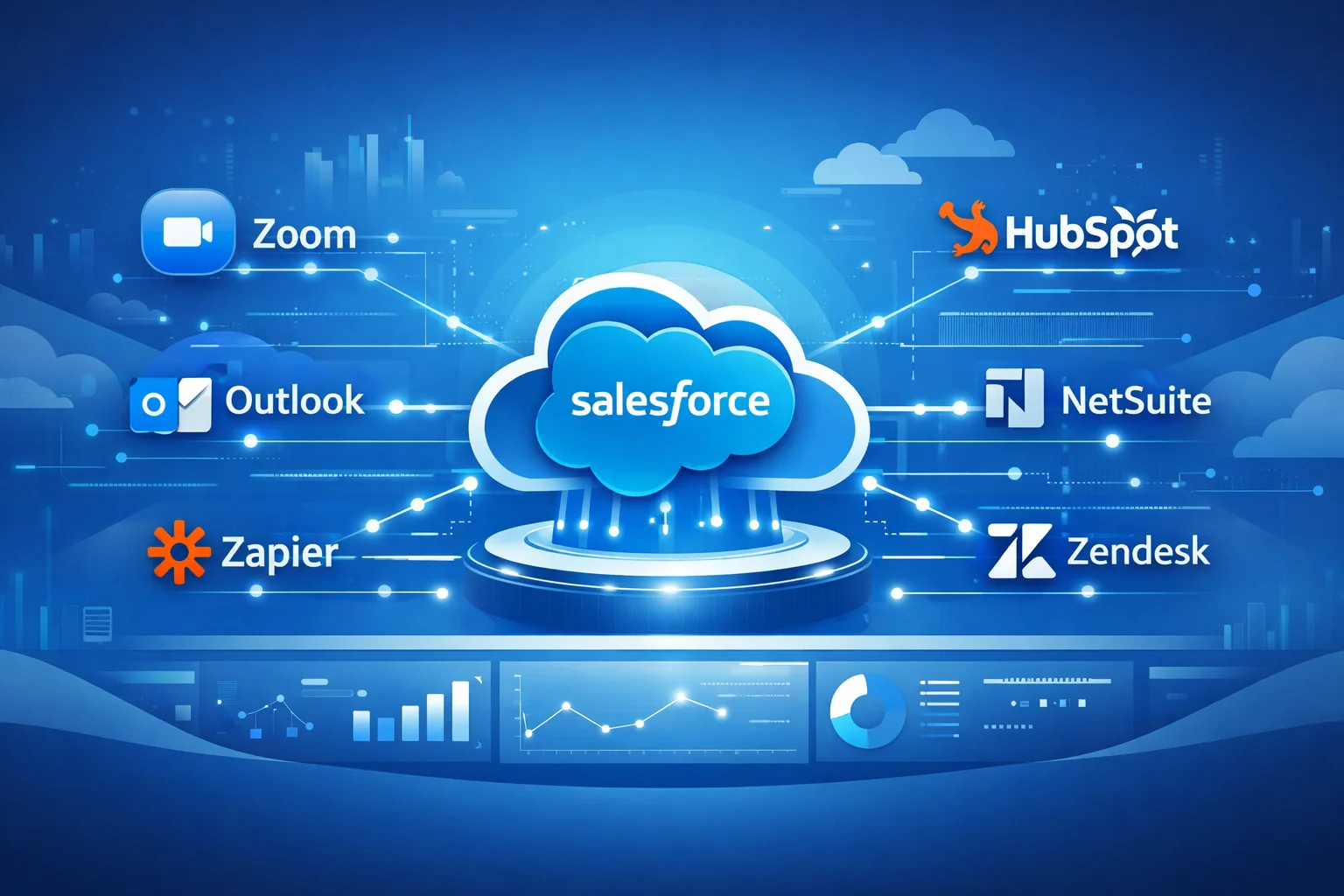
In this guide, we will explore the best Salesforce integrations, how they work, and why sales teams rely on them to build efficient and scalable CRM workflows.
Table of Contents
What is Salesforce Integration?
Salesforce integration is the process of connecting Salesforce CRM with external applications, databases, or software platforms to enable automated data exchange between systems.
These integrations can be implemented using:
- Salesforce APIs
- Middleware platforms
- Native connectors
- Third-party integration tools
With proper Salesforce CRM integrations, organizations can centralize customer data, automate processes, and eliminate manual data transfers.

Why Businesses Need Salesforce Integrations
Companies rarely rely on a single system. Sales teams use email tools, support platforms, accounting software, marketing automation systems, and communication apps.
Without Salesforce third-party integrations, teams face several challenges:
- Data duplication across systems
- Manual data entry errors
- Lack of real-time insights
- Inefficient workflows
Implementing Salesforce integrations for sales teams helps businesses unify data and automate operations.
Key benefits include:
✔ Improved CRM productivity
✔ Automated workflow management
✔ Accurate reporting across systems
✔ Better customer insights
✔ Faster sales cycles
Salesforce API Integrations Explained
Most advanced integrations rely on Salesforce API integrations.
Salesforce offers multiple APIs including:
- REST API
- SOAP API
- Bulk API
- Streaming API
These APIs allow developers and integration platforms to securely send and retrieve data from Salesforce.
API-based integrations are commonly used for:
- ERP integrations
- Payment processing systems
- Marketing automation platforms
- Customer support tools

Best Salesforce Integrations for Sales Teams
Below are some of the most popular Salesforce integrations used by modern organizations.
Zoom Salesforce Integration
A Zoom Salesforce integration allows sales teams to manage meetings directly from Salesforce.
Key capabilities include:
- Automatic meeting logging
- Recording storage in CRM
- Contact association with meetings
- Sales call analytics
Many organizations integrate Zoom with Salesforce to track customer interactions and improve meeting follow-ups.

Salesforce Outlook Integration
The Salesforce Outlook integration connects Microsoft Outlook email with Salesforce CRM.
Benefits include:
- Automatic email logging
- Contact synchronization
- Calendar integration
- Email tracking inside Salesforce
Sales teams can manage communication directly within Salesforce without switching between tools.
Zapier Salesforce Integration
The Zapier Salesforce integration is one of the most flexible automation tools available.
Zapier enables businesses to connect Salesforce with thousands of applications without coding.
Common automation workflows include:
- Lead capture automation
- Contact updates from web forms
- Task creation after form submissions
- Marketing automation triggers
Zapier is particularly useful for small and mid-size businesses looking to automate CRM workflows quickly.
Zendesk Salesforce Integration
Customer support teams often connect Zendesk with Salesforce to unify sales and support data.
This integration allows:
- Ticket visibility inside Salesforce
- Customer issue tracking
- Support analytics within CRM
- Better collaboration between sales and support teams
Zendesk Salesforce integration improves customer service and helps sales teams understand support history.
Xero Salesforce Integration
Accounting integration is critical for revenue tracking.
The Xero Salesforce integration connects accounting data with CRM.
Key features include:
- Invoice synchronization
- Payment tracking
- Customer financial insights
- Automated financial reporting
This integration helps finance and sales teams maintain accurate financial records.
NetSuite Salesforce Integration
For companies using enterprise ERP systems, the NetSuite Salesforce integration synchronizes operational and financial data.
Benefits include:
- Order management integration
- Inventory visibility
- Revenue reporting
- ERP and CRM data synchronization
Many growing companies use this integration to connect their sales operations with financial management systems.
HubSpot Salesforce Integration
The HubSpot Salesforce integration connects marketing automation with CRM data.
Key capabilities include:
- Lead synchronization
- Marketing campaign tracking
- Contact lifecycle management
- Automated lead scoring
Marketing and sales teams benefit from unified customer data and improved conversion tracking.
Best Practices for Salesforce Integrations
To ensure successful Salesforce CRM integrations, organizations should follow best practices.
Define Data Ownership
Establish which system owns specific data fields.
Avoid Syncing Unnecessary Data
Only integrate essential objects to reduce complexity.
Use Middleware for Complex Integrations
Platforms like MuleSoft or Zapier simplify integration management.
Monitor Integration Performance
Regular monitoring prevents sync failures and data inconsistencies.

How Salesforce Integrations Improve Sales Productivity
Sales teams benefit significantly from CRM integrations.
Key improvements include:
- Automated lead capture
- Centralized customer communication history
- Faster deal tracking
- Improved forecasting accuracy

When implemented correctly, Salesforce integrations automate manual work and allow sales teams to focus on closing deals instead of managing data.
Conclusion
A well-implemented Salesforce integration strategy transforms CRM from a simple database into a powerful automation platform.
By connecting Salesforce with communication tools, accounting systems, marketing platforms, and support applications, businesses can streamline workflows and improve productivity.
Popular integrations such as Zoom, Outlook, Zapier, NetSuite, HubSpot, Zendesk, and Xero help organizations build a unified technology ecosystem around Salesforce.
For companies looking to scale operations and improve customer experience, Salesforce integrations are no longer optional, they are essential.
FAQs
What is Salesforce integration?
Salesforce integration connects Salesforce CRM with external applications to enable automated data exchange and streamline business workflows.
What are the most common Salesforce integrations?
Popular integrations include Zoom, Outlook, Zapier, HubSpot, NetSuite, Zendesk, and Xero.
What are the most common Salesforce integrations?
Popular integrations include Zoom, Outlook, Zapier, HubSpot, NetSuite, Zendesk, and Xero.
How are Salesforce integrations implemented?
Integrations can be built using Salesforce APIs, middleware platforms, native connectors, or third-party automation tools.
Why are Salesforce CRM integrations important?
They eliminate manual data entry, improve data accuracy, and automate business workflows across systems.
Can Salesforce integrate with ERP systems?
Yes. Salesforce commonly integrates with ERP platforms such as NetSuite, SAP, and Microsoft Dynamics.